
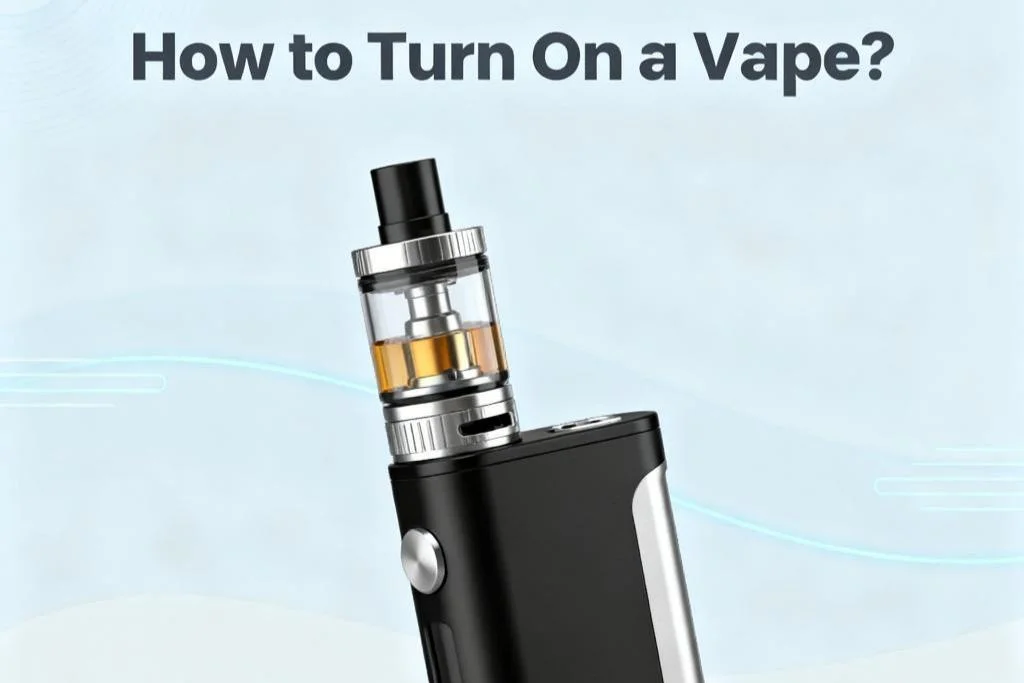
If you're searching how to turn on a vape, you're likely setting up a new device or troubleshooting one that won’t power up. The process varies depending on whether you’re using a disposable vape, pod system, or box mod. This guide breaks down the correct steps for each device type, highlights common mistakes, and explains what to do if your vape still won’t turn on.
As an industry reviewer covering vape hardware releases, firmware updates, and regulatory changes, I’ll walk you through practical, manufacturer-backed instructions that apply to most devices currently on the market.
Understanding Different Vape Types
Before turning on a vape, it’s important to identify the device category:
- Disposable vapes – Pre-filled, pre-charged, no buttons in most cases
- Pod systems – Rechargeable, often button-activated or draw-activated
- Vape pens – Slim, cylindrical devices with single-button operation
- Box mods – Advanced devices with adjustable wattage and display screens
Each operates slightly differently.
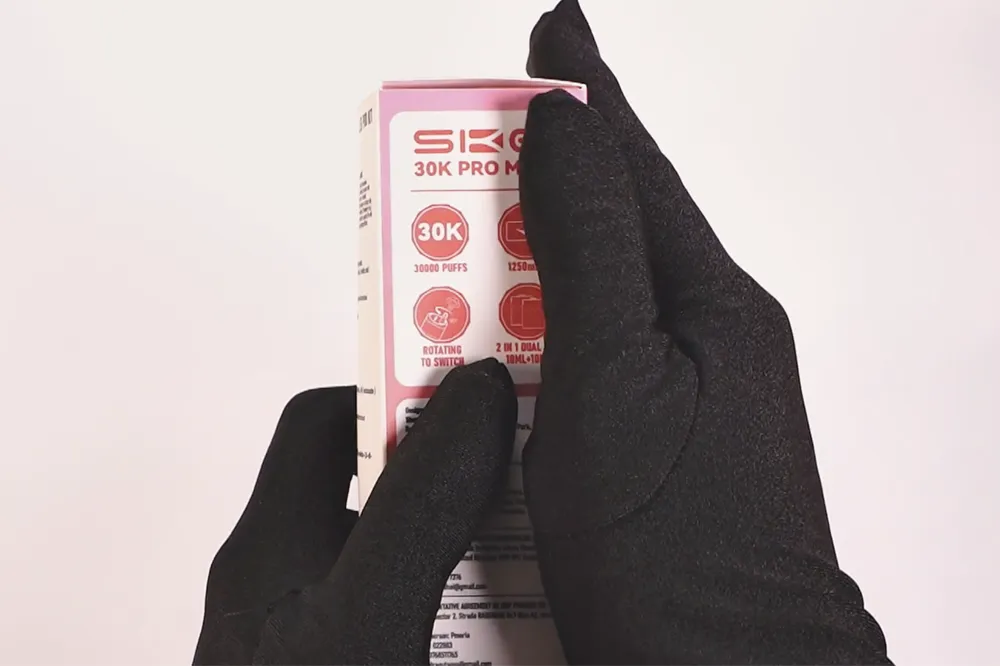
How to Turn On a Disposable Vape
Most modern disposables are draw-activated, meaning:
- Remove all packaging and silicone plugs.
- Check for airflow stickers at the bottom and remove them.
- Inhale from the mouthpiece.
There is typically no power button.
When a Disposable Doesn’t Activate
If it doesn’t work:
- Ensure it’s charged (if rechargeable).
- Confirm airflow vents aren’t blocked.
- Tap lightly to release potential air bubbles in the e-liquid chamber.
- Check for LED indicator response.
If there’s still no activation, it may be a factory defect.
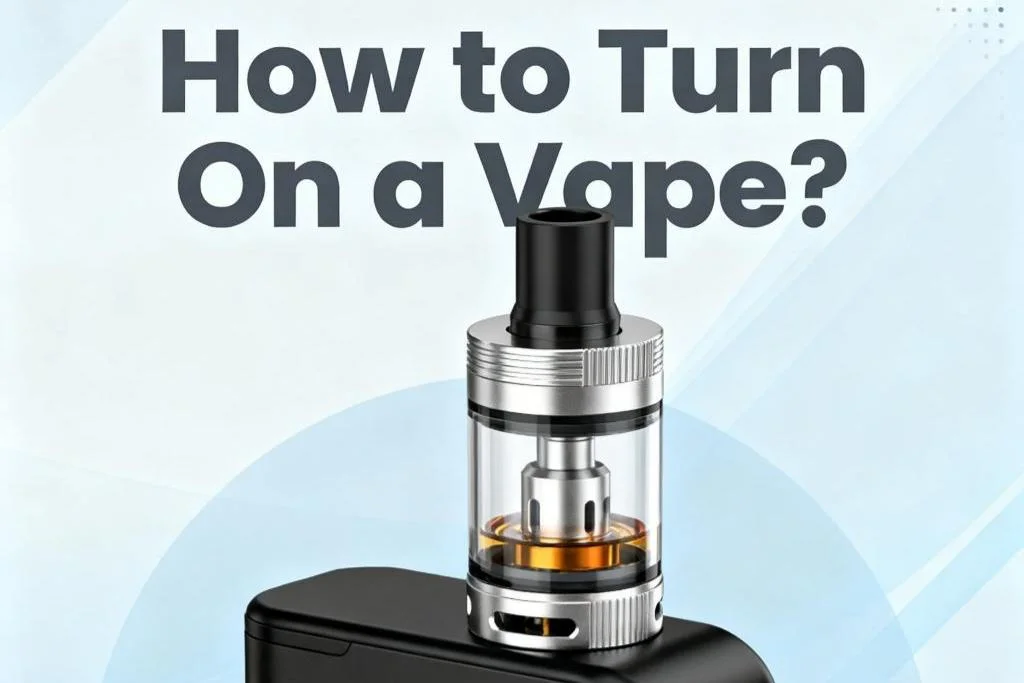
How to Turn On a Pod System or Vape Pen
Most pod systems and vape pens use the 5-click method, which has become an industry standard for safety.
Standard Power-On Method
- Insert a charged battery or fully charge the device.
- Press the power button five times rapidly within two seconds.
- Watch for the LED light or screen to flash, indicating activation.
To turn it off, repeat the five-click sequence.
This safety feature helps prevent accidental firing in pockets or bags.
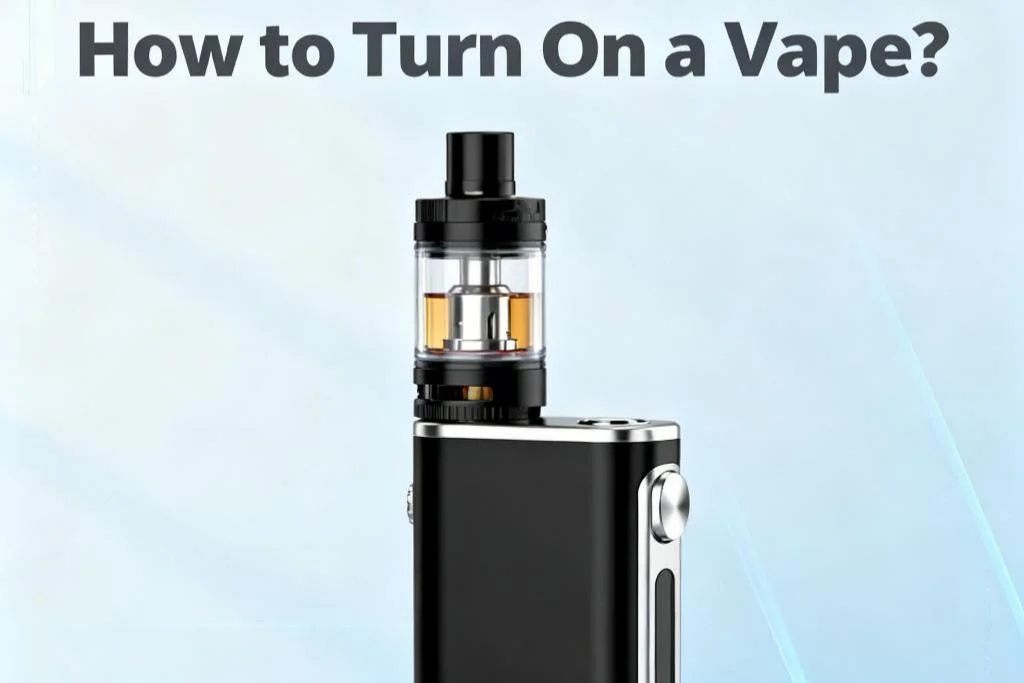
How to Turn On a Box Mod
Box mods follow a similar process but include display feedback:
- Insert external batteries correctly (observe polarity).
- Press the fire button five times quickly.
- Wait for the display screen to light up.
- Adjust wattage settings if necessary.
Some advanced mods may require unlocking (often three clicks) after powering on.
Always consult the device manual for brand-specific sequences.
Why Your Vape Won’t Turn On
If you’re following the correct steps and the vape won’t power on, consider these common causes:
1. Battery Issues
- Dead internal battery
- Incorrectly inserted external batteries
- Damaged battery wraps (for 18650/21700 users)
2. Charging Problems
- Faulty USB-C or Micro-USB cable
- Dirty charging port
- Incompatible charging adapter
3. Safety Lock or Child Lock Mode
Some newer devices include additional locking mechanisms beyond the 5-click standard.
4. Short Circuit Protection
If the coil is improperly installed, the device may refuse to power up for safety reasons.
5. Manufacturing Defect
If the device is brand new and unresponsive, contact the retailer for replacement under warranty.
Safety Tips Before Powering On
- Use the recommended charger and cable.
- Avoid overcharging.
- Do not use damaged batteries.
- Prime new coils before firing (for refillable systems).
- Store devices away from heat and moisture.
Following these steps reduces malfunction risks and extends device lifespan.
Regulatory Considerations
In the United States, vape devices are regulated by the U.S. Food and Drug Administration under the Tobacco Control Act. Devices legally sold must meet manufacturing and labeling requirements, including battery safety standards.
If your device lacks proper labeling or safety instructions, it may not comply with federal regulations.
Conclusion
Knowing how to turn on a vape depends entirely on the device type. While disposables activate automatically, rechargeable pod systems and mods typically use the five-click method. If your vape doesn’t power on, battery condition and charging issues are the most common causes.
For accurate operation and safety compliance, always follow the manufacturer’s instructions and purchase devices from reputable retailers.
FAQs
1. Why do you press a vape 5 times to turn it on?
The five-click system is a safety feature designed to prevent accidental activation during storage or transport.
2. How do I know if my vape is turned on?
Most devices flash an LED light or display a screen when powered on. If there’s no light or vapor production, it may be off or uncharged.
3. Can I turn on a vape while it’s charging?
Some devices support pass-through charging, allowing use while plugged in. Others disable firing during charging for safety. Check your manufacturer’s specifications.
4. What should I do if my vape blinks but doesn’t hit?
Blinking lights often indicate low battery, short circuit protection, or coil connection issues. Charge the device or reseat the pod/coil.
5. Are all disposable vapes buttonless?
Most are draw-activated, but a few advanced disposables include power buttons or adjustable airflow switches.